Component (+v1.0)
The Mofufuku component enables Mofufuku processing and preview when added to an avatar’s mesh object.
This feature was added in version 1.0.0.
- Display the avatar
Add the target avatar to the Hierarchy. Dress the avatar, apply the fur material, and adjust blend shapes as needed.
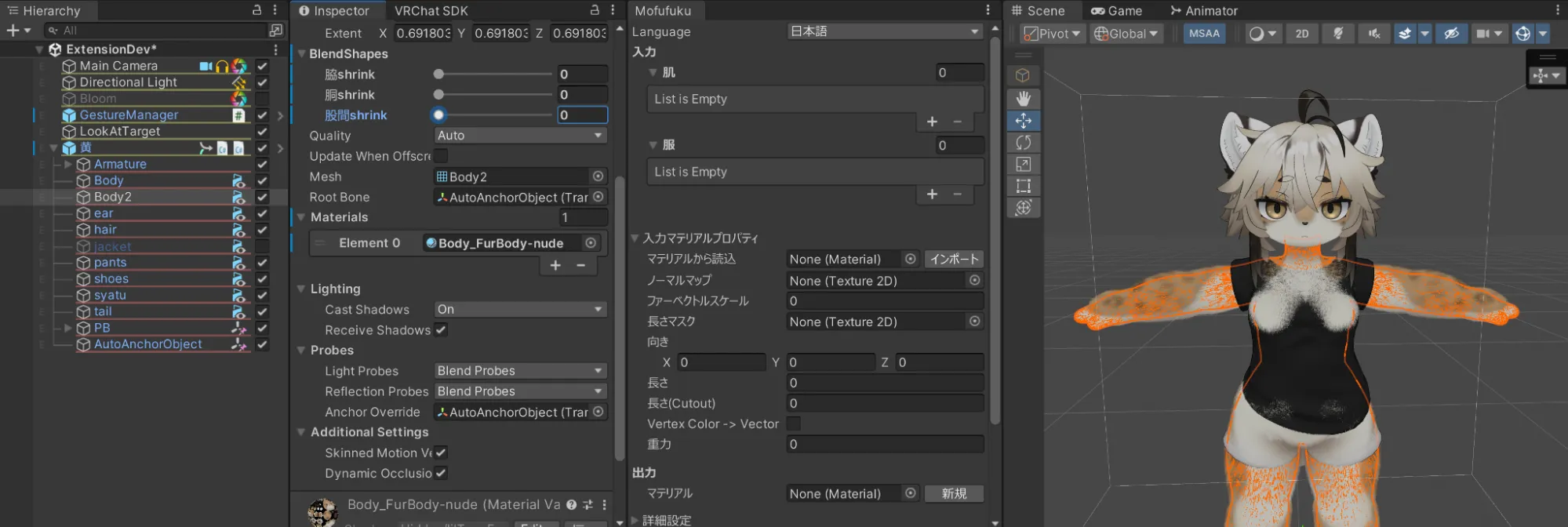
- Add the component
Select the skin mesh object, click the “Add Component” button in the Inspector, and add the “Mofufuku Fur Resolver” component. - Verify the material
The mesh material is set automatically. If the material is not the expected fur material, set it manually and click the “Import” button.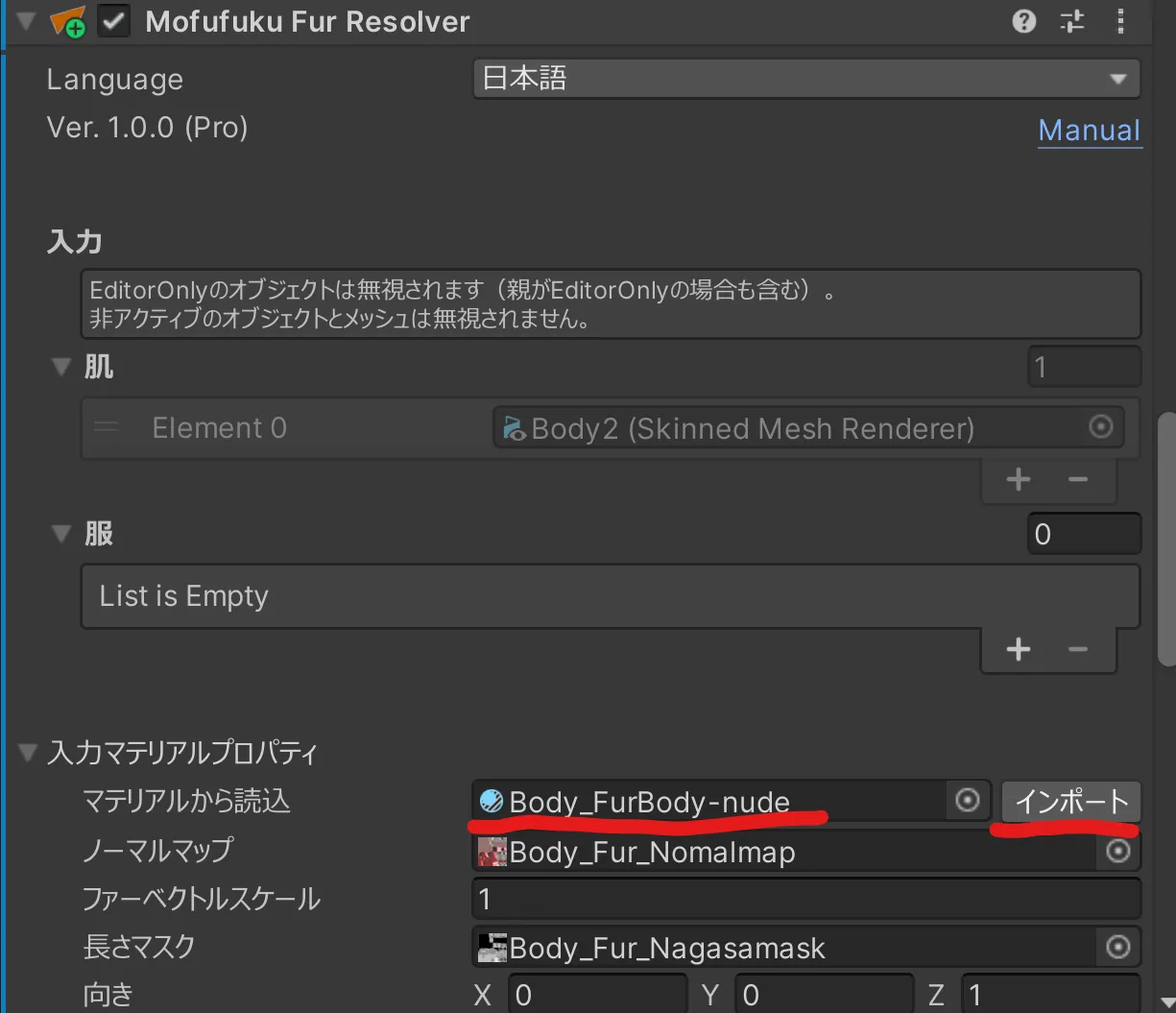
- Assign the clothing mesh
Drag and drop the clothing mesh object into the “Clothes” field. - Add skin parts
If you have other parts that use the same material (for example, a tail), add the “Mofufuku Fur Resolver Reference” component to those parts and set the “Reference” field to the original skin mesh object. - Fine-tune
Mofufuku provides several parameters to control fur collision and motion. If you cannot complete length adjustments in Mofufuku, use an image-editing tool to adjust the length of the fur textures. - Check in Play Mode / Upload
Enter Play mode to check the appearance. If everything looks correct, upload the avatar.